Turn any screen into a smart church display
Show live Planning Center schedules or rotating signage on any TV, tablet, or kiosk — with nothing to install.
Everything Displays gives you
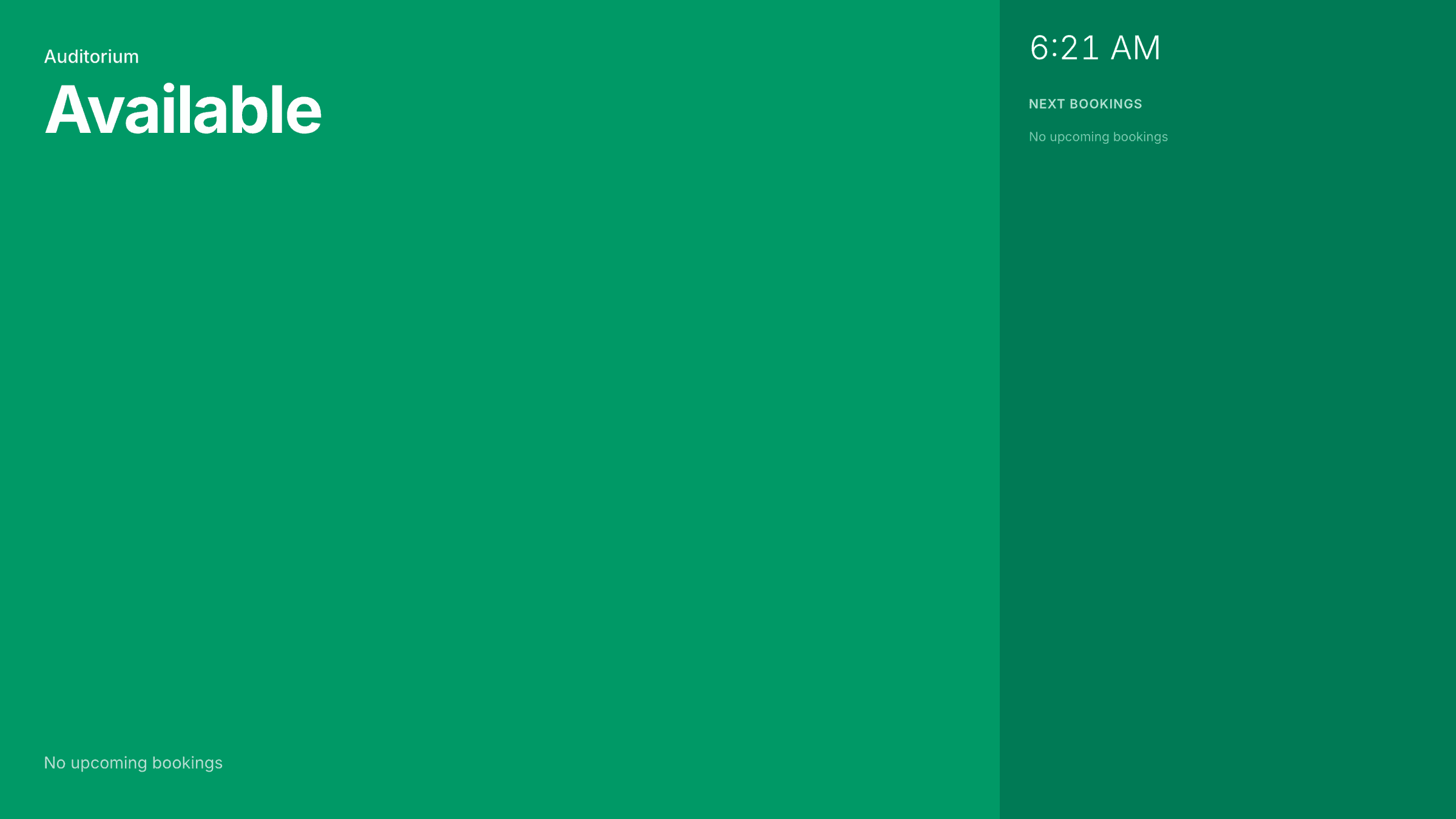
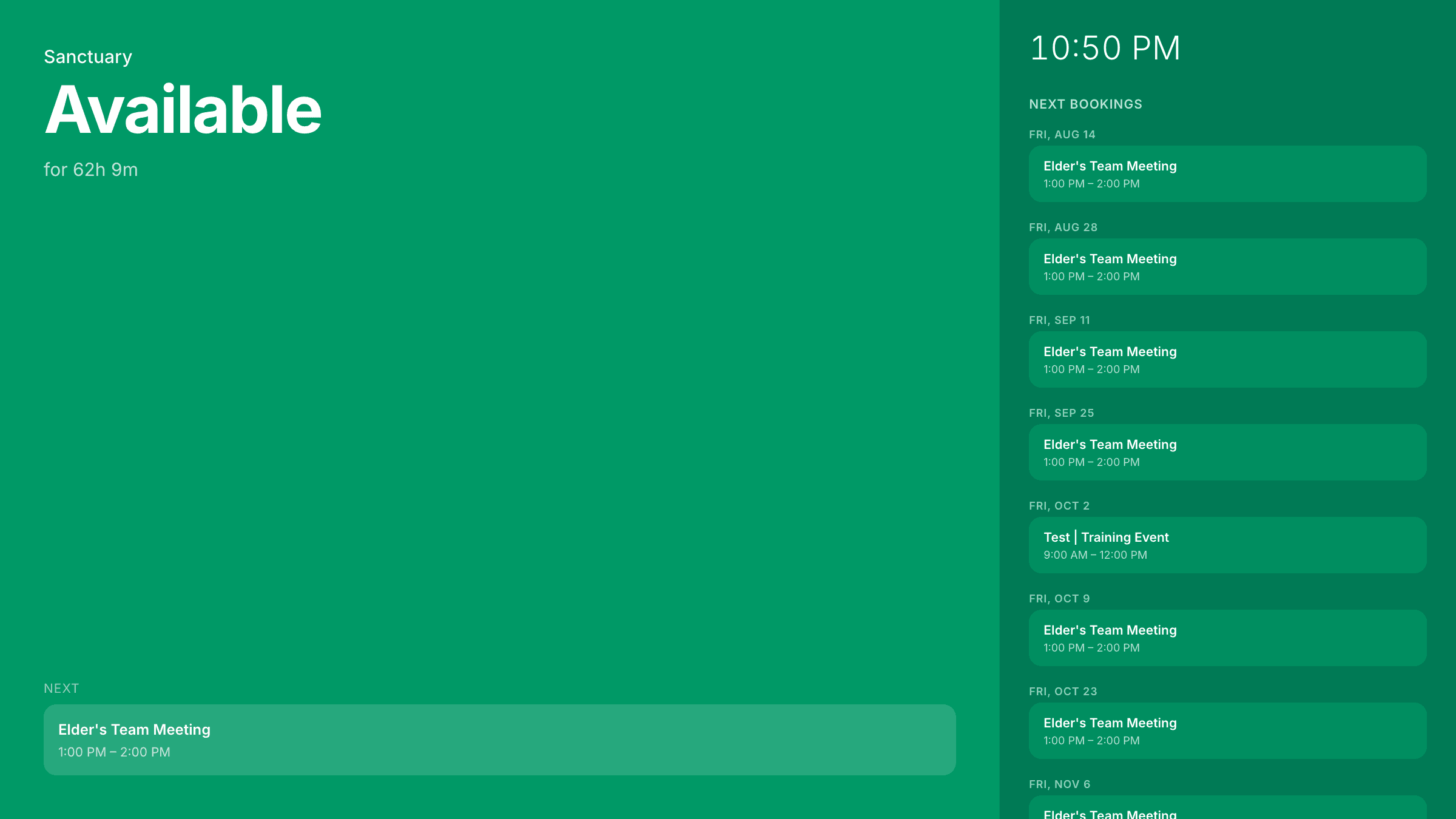
Live room schedules
Calendar displays pull events straight from Planning Center for any room or resource.
Beautiful signage
Rotate images with fade, slide, or dissolve transitions in any screen orientation.
Four looks built in
Vivid, Light, Dark, and E-Ink styles to match the screen and the space it lives in.
Pair in seconds
Each display gets a unique code — open the URL on the device and it's connected.
Lock it down
An optional organization-wide PIN keeps your displays secure on shared devices.
Works everywhere
Any TV, tablet, or kiosk with a web browser. No apps, no special hardware.
Up and running in three steps
Create a display
Choose a calendar display or an image signage display.
Make it yours
Pick a style, add rooms or images, and set transitions and orientation.
Open on the screen
Load the display URL on your device — it refreshes automatically.
Displays pricing
Calendar and signage screens for your lobby, campus, and welcome areas.
Ready to try Displays?
Calendar and signage screens for your lobby, campus, and welcome areas.